If You Understand These 5 AI Terms, You're Ahead of Most People
AI can feel confusing when you start hearing terms like tokens, context windows, temperature, hallucinations, and RAG. In this simple and detailed guide, we break down these 5 important AI concepts with practical examples so you can understand what is happening behind the scenes and start building smarter AI applications.
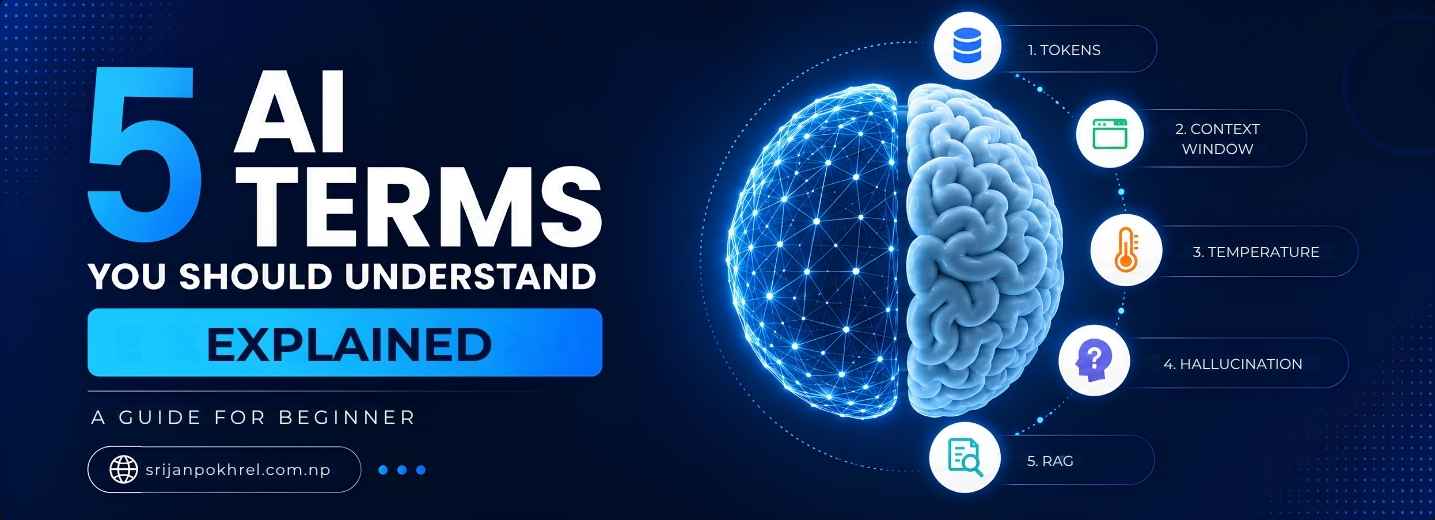
AI is everywhere right now. We use ChatGPT, Gemini, Claude, Copilot and many other AI tools almost every day. But there are a few words that keep appearing whenever people talk about how AI actually works.
Words like tokens, context window, temperature, hallucination and RAG can sound pretty technical at first. Basically, they describe some of the most important things happening behind the scenes when you ask an AI a question.
You dont need to be an AI researcher to understand them. Once you understand these five concepts, a lot of AI terminology suddenly starts making sense.
1. Tokens: The Small Pieces AI Actually Reads
Lets start with probably the most common AI term: tokens.
A token is basically a small unit of text that an AI model processes. People normally think AI reads a sentence exactly the same way humans do, but thats not really how it works.
When you type something into an AI chatbot, your text is broken down into smaller pieces called tokens. A token can be a complete word, part of a word, punctuation, or sometimes a combination of characters.
Simple example
Imagine you write:
"I love artificial intelligence."
The AI doesn't necessarily process that entire sentence as four simple words. It converts the text into tokens that the model can work with.
Something like:
I
love
artificial
intelligence
.
The exact tokenization depends on the model and tokenizer. A longer or uncommon word may even be split into multiple tokens.
Why do tokens matter?
Tokens are important because AI models don't have unlimited space to process information. Models work within a certain token limit.
Tokens also matter when you're using AI APIs because many AI services calculate usage based partly on the number of tokens processed.
For example, if you send a tiny question like:
"What is Python?"
that's obviously going to use much less text than sending a 100-page document and asking the AI to analyze it.
A sentence is the building, while tokens are the small Lego pieces used to build it.
Tokens are not exactly the same as words
This is something beginners often misunderstand.
One word is not always one token. A short word might be a single token, while a complicated or uncommon word can be divided into multiple tokens.
So when someone says an AI model supports 100,000 tokens, that does not simply mean it can remember 100,000 words.
2. Context Window: How Much Information AI Can Handle at Once
Now imagine you're having a conversation with an AI.
You first tell it about your company, then your product, then your customers, then your marketing strategy. After that you ask it to create a marketing campaign based on everything you discussed.
How much of that previous conversation can the AI actually consider when generating its next answer?
Thats where the context window comes in.
The context window is basically the amount of information an AI model can actively process as context for a response.
Tokens tell us how text is measured.
Context window tells us how much of that text the model can work with at once.
Think of it like a desk
Imagine you have a desk in front of you.
Your desk can hold your laptop, books, documents and notes. But there is a limit. If you keep throwing more and more papers onto it, eventually you have to remove something or you wont have enough space to work properly.
An AI context window is kind of like that desk.
The model can look at the information inside its available context and use it to generate a response.
Why context window matters
Context windows are especially important for things like:
- Long conversations
- Large documents
- Programming projects
- Research papers
- Legal documents
- Customer support conversations
- Large databases and knowledge systems
For example, suppose you give an AI a huge software project and ask:
"Find the bug in this application."
If the entire relevant project cannot fit into the model's usable context, the AI may not have access to all the information it needs at that moment.
This is one of the reasons modern AI applications use techniques like RAG, which we'll talk about later.
3. Temperature: How Random or Creative Should the AI Be?
This one sounds a little funny because AI doesn't actually have a temperature like your laptop or your CPU.
In AI systems, temperature is a setting that influences how random the model's output can be.
A lower temperature generally makes responses more predictable and consistent, while a higher temperature can produce more varied and creative outputs.
Imagine you're asking for a name
You ask an AI:
"Give me a name for my technology company."
With a lower temperature, the model might repeatedly give fairly conventional names.
With a higher temperature, you may get more unusual or creative suggestions.
Low temperature
Lower temperature is useful when you want the model to be more predictable.
- Data extraction
- Classification
- Technical answers
- Structured output
- Tasks where consistency matters
High temperature
Higher temperature can be useful when you want more variation.
- Story writing
- Creative ideas
- Marketing concepts
- Brainstorming
- Names and slogans
Low temperature = "Give me a reliable answer."
Higher temperature = "Give me some creative possibilities."
But there is an important point here: higher temperature doesn't mean the AI becomes smarter. It mainly changes the randomness of the generation.
4. Hallucination: When AI Sounds Confident but Is Wrong
This is probably one of the most important AI concepts to understand.
An AI hallucination happens when an AI generates information that is incorrect, fabricated, misleading or simply doesn't make sense, while presenting it like it is true.
And honestly, this is one of the weirdest things about generative AI.
An AI can sound extremely confident even when it is completely wrong.
For example
Imagine you ask:
"Who wrote a book that doesn't actually exist?"
Instead of saying "I don't know", an AI might sometimes create a fake author, fake publication date, fake publisher and even a fake summary.
Everything may look believable.
But none of it is real.
Why does hallucination happen?
Generative AI models are trained to predict and generate likely sequences of information. They aren't simply connected to a giant database where every answer is stored and retrieved perfectly.
Because of that, the model can generate something that statistically looks like a good answer even when the underlying information is wrong.
Basically, the AI can be very good at saying something that sounds right.
And sounding right is not the same thing as being right.
How can we reduce hallucinations?
There are several ways modern AI systems try to reduce hallucinations:
- Giving the model reliable context
- Using external databases
- Using search tools
- Using RAG systems
- Asking the model to cite sources
- Using structured and verified data
- Adding validation before showing the final answer
This is especially important when AI is being used in areas like finance, healthcare, law, education or business.
Never assume an AI answer is correct just because it sounds confident. AI can write a very convincing wrong answer.
5. RAG: Giving AI Access to Your Own Knowledge
Finally, we have RAG.
RAG stands for Retrieval-Augmented Generation.
The name sounds complicated, but the idea is actually pretty simple.
RAG allows an AI application to retrieve relevant information from external sources before generating an answer.
Instead of asking the AI to answer only from what it already knows, the application first searches a trusted knowledge source and gives the relevant information to the model.
Search for the right information first, then ask the AI to answer using that information.
Let's take a real-world example
Imagine you build an AI chatbot for a university.
The university has hundreds of documents:
- Course information
- Exam rules
- Scholarship policies
- Admission requirements
- Fee structures
- Academic calendars
- Student handbooks
You don't want the chatbot to randomly guess answers about these documents.
So you can build a RAG system.
How a simple RAG system works
A typical RAG pipeline looks something like this:
- The user asks a question.
- The system converts the question into a form that can be searched.
- The application searches a knowledge base for relevant information.
- The most relevant pieces of information are retrieved.
- Those pieces of information are provided to the AI model as context.
- The AI generates an answer based on that retrieved information.
User asks:
"What is the deadline for MSc admission?"
The RAG system searches the university's current documents, finds the relevant admission information, and gives it to the AI.
The AI then creates a natural-language response based on that information.
RAG vs normal AI
| Normal AI | AI with RAG |
|---|---|
| Mostly relies on model knowledge and provided context | Can retrieve information from external knowledge sources |
| May not know your private company data | Can search your company's documents |
| Can hallucinate when information is missing | Can ground responses in retrieved information |
| Knowledge may not include your latest internal information | Can use updated documents or databases when properly designed |
RAG does not magically remove hallucinations
This is another important point.
Some people think adding RAG means hallucinations are completely gone. Nope.
A RAG system can still retrieve the wrong information, retrieve incomplete information, or give the model too much irrelevant context.
So the quality of the retrieval system matters a lot.
How These 5 Concepts Connect Together
The really interesting part is that these concepts are not completely separate. They work together inside modern AI applications.
Imagine you're building an AI customer-support chatbot for a company.
A customer asks:
"Can I get a refund for the product I purchased last month?"
Here's what could happen behind the scenes.
Step 1: Tokens
The customer's question is converted into tokens that the AI system can process.
Step 2: Context Window
The system determines what information can be included in the model's current context, such as the user's question, conversation history and relevant company information.
Step 3: RAG
The application searches the company's refund policy and retrieves the relevant section.
Step 4: AI Generation
The AI uses the question plus the retrieved policy to generate an answer.
Step 5: Temperature
The application's generation settings influence how predictable or varied the answer should be.
Step 6: Hallucination Risk
The application still needs to make sure the AI doesn't invent a refund policy that doesn't exist.
So yeah, these five concepts are actually connected pretty closely.
A Very Simple Way to Remember All 5
| Term | Simple Meaning | Think of it as |
|---|---|---|
| Tokens | Small pieces of text processed by AI | Lego pieces |
| Context Window | How much information the model can consider at once | Your working desk |
| Temperature | Controls randomness and variation in generation | Creativity/randomness knob |
| Hallucination | When AI generates false or unsupported information | Confidently guessing |
| RAG | Retrieving external information before generating an answer | Open the reference book before answering |
Why These Terms Actually Matter
You might be thinking, "Okay, but why should I care about these terms?"
If you're just using ChatGPT to write emails or ask random questions, you probably don't need to know all the technical details.
But if you're planning to build AI applications, work as a software developer, learn machine learning, build AI agents, or integrate AI APIs into your applications, these concepts become very important.
For example, when you build an AI application, you'll eventually start asking questions like:
- Why is my API usage so high?
- Why is the model forgetting earlier information?
- Why does the AI give different answers every time?
- Why is the model making up information?
- How can I make the AI answer using my own documents?
- How can I build a chatbot around my company's knowledge?
These five concepts are directly connected to those problems.
What Should You Learn Next?
Once these five terms are clear, you can move into some more interesting AI concepts.
If you're learning AI from a developer's perspective, I'd recommend going roughly in this order:
- Tokens and tokenization
- Context windows
- Prompt engineering
- Embeddings
- Vector databases
- RAG
- LLM APIs
- AI agents
- Tool calling
- Fine-tuning
Once you understand embeddings and vector databases, RAG becomes much easier to understand because you can see how the retrieval part actually works.
Final Thoughts
AI can look extremely complicated when you first start learning it. There are hundreds of new terms, frameworks and tools appearing almost every week.
But you don't need to understand everything at once.
Start with the basics. Understand what tokens are, how context works, what temperature changes, why hallucinations happen and how RAG can connect an AI model with external information.
Basically, once these concepts click, a lot of the AI world becomes much less confusing.
And if you're a developer, these aren't just fancy AI words to memorize. You will actually use these concepts when building real applications.
Frequently Asked Questions
Are tokens the same as words?
No. Tokens are pieces of text, and one word can be represented by one or multiple tokens depending on the tokenizer and the model.
Does a larger context window mean the AI is smarter?
Not necessarily. A larger context window means the model can potentially process more information in a single context. Intelligence and context capacity are different things.
Does higher temperature make an AI smarter?
No. Temperature mainly changes the randomness or variation of the generated output. Higher temperature can make responses more creative, but it doesn't increase the model's intelligence.
Can AI hallucinate even when using RAG?
Yes. RAG can reduce hallucinations by providing relevant external information, but it does not guarantee that every generated answer will be correct.
Is RAG the same as training an AI model?
No. RAG usually retrieves information at runtime and provides it to the model as context. Fine-tuning or training changes the model itself, while RAG mainly changes the information available to the model during a particular request.
Do I need to be an AI expert to build a RAG application?
Not really. You need a good understanding of programming, APIs, embeddings, vector search and how LLMs work. You can start with a relatively simple project and learn each part as you build it.
Enjoyed this article?
Leave a like or pick an emoji reaction below.
Comments0
No comments yet. Be the first to share your thoughts!